Publishing to several real estate portals at once: what to automate and what not to
RealEstateCRM España · 14 August 2026
A flat gets reserved on a Friday afternoon, and the following weekend it's still showing as available on Fotocasa, even though the CRM has marked it as reserved since that same Friday. It's not that anyone forgot to update it — changing the status on five different sites, Idealista, Fotocasa, pisos.com, Habitaclia, Milanuncios, means logging into five separate dashboards, each with its own login and its own form. Publishing to several real estate portals at once means, with a real estate CRM, managing from a single property record which portals it appears on, with what title and description, and in what status, without opening a separate dashboard for each site just to check.
What's already centralised in the property record
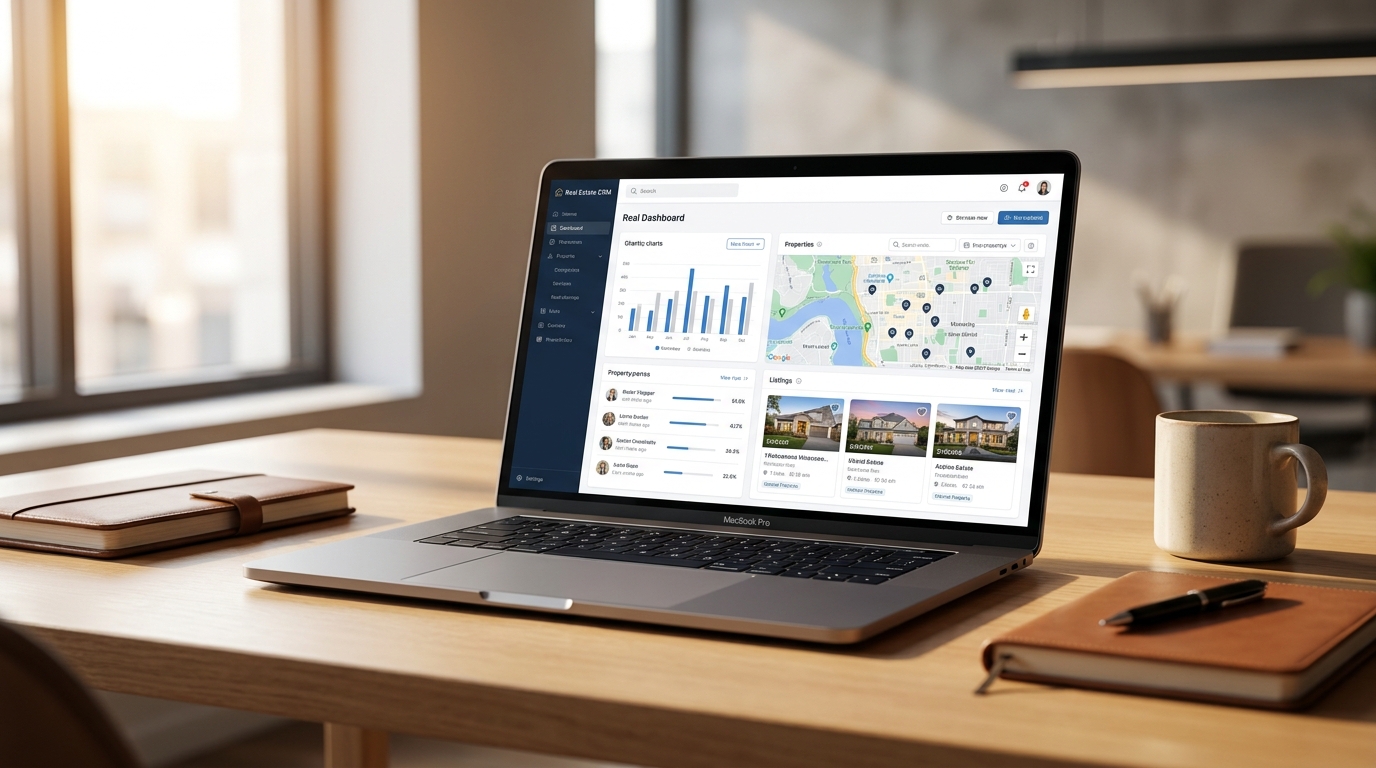
RealEstateCRM's property record has a portals section where you tick, one by one, which of the five — Idealista, Fotocasa, pisos.com, Habitaclia and Milanuncios — that property is on, with its own title and description for each portal, the option to mark it as featured, and the publication status on each one. Before having all that in one place, checking whether a flat was still live on Habitaclia meant logging into Habitaclia itself to find out; now that check happens from the same screen where you're already editing the price or the photos.
Syncing Idealista and Fotocasa isn't the same as copy-pasting the same text
Syncing Idealista and Fotocasa from the CRM doesn't mean both records have to say exactly the same thing. Idealista cuts the description preview after a few lines and rewards the concrete details up front — square metres, bedrooms, floor — while Fotocasa leaves more room before truncating the text, and its internal search ranks title keywords differently. Writing one generic description for all five portals and trusting each of them to display it well is the fastest way to make sure none of them display it particularly well. Having a separate title and description field per portal, inside the same record, is what lets you adapt those two lines without juggling five loose documents or trying to remember which version went up on which site last.
The same goes for the featured flag: paying to feature a flat on Idealista doesn't mean it has to be featured on Milanuncios too, and deciding that portal by portal from the same record avoids paying for a boost on a site where it isn't actually doing anything, just because it got switched on without thinking on another one.
What isn't automatic yet
Today RealEstateCRM covers those five portals under the basic tier, included in every plan. Extending that reach to a network of more than twenty portals is a module that already has a catalogue price — 15 €/month, bundled free into the Business plan once it's ready — but it's still listed as coming soon: it isn't something you can switch on today, even though we already know what it will cost. Publishing the price before the feature is finished is a deliberate call, the same one we apply to every other service we're still building, so an agency can plan ahead without surprises when it lands.
That also means that, until that module ships, publishing on a portal outside those five basic ones is still a separate task, done outside the CRM, and it's worth not assuming otherwise when comparing against a provider that already offers it.
A case: the flat that kept the phone ringing on Saturday
A flat in La Latina gets reserved on a Friday at six in the evening. The agent updates the status in the CRM record before leaving, and from there checks at a glance which portals still showed it as available: Idealista and Fotocasa already reflected the change because they'd been updated that same afternoon, but Milanuncios and pisos.com still showed the listing live, with the same price and the same photos as Thursday. Without that per-portal summary, the agency would only have found out on Monday, after fielding three calls over the weekend asking about a flat that was no longer available.
The agent logged into those two portals, changed the status by hand and noted in the record that it was done. The update itself wasn't automatic, but knowing exactly where it was still missing — instead of checking all five portals one by one to find out — is what kept the problem from reaching Monday.
This portal management sits alongside the rest of the Properties module features in RealEstateCRM, built so that publishing in several places at once doesn't mean keeping half a dozen browser tabs open. If you also want to know which part of the fee already covers these integrations and which gets billed separately, you might find how much a real estate CRM costs in Spain useful.